From Beacon Hill's Federal red-brick bowfronts and Back Bay brownstones to Dorchester triple-deckers and shingled North Shore capes, SilpuAI Studio+ turns your model — or just a plain screenshot — into a photoreal render, with snow-dusted slate roofs, copper flashing and low winter light included, for $0.97 per render. Free to try, no card.
Free to try — no card. Then $0.97 a render, credits never expire.
Drag in a model view — or send it straight from the free SketchUp, ArchiCAD or Revit plugin with one click.
Photoreal, golden hour, dusk, or a concept style. Set the sun, the time of day, the mood — no scene setup.
A magazine-grade render in seconds. Relight, restyle, add interiors or landscape, and download. Priced per render.
There's a place for a $300–$1,200 studio render: the single hero shot that headlines a listing or fronts a big Article 80 filing. But most of what crosses your desk — early concepts, three material options for a Back Bay facade, the render that finally gets a client to nod, the exhibit stapled to a permit set, the photo that sells a South End condo — doesn't need studio money or a week of turnaround. That's the everyday volume you can now render yourself, at your desk in the city, for the price of a coffee refill.
| Outsourcing (the old way) | SilpuAI Studio+ YOU | |
|---|---|---|
| Turnaround | 3–7 days | ✓Seconds |
| Cost per image | $300–$1200 | ✓$0.97 |
| Revisions | Paid, another wait | ✓Instant, as many as you like |
| Design accuracy | Depends on the brief | ✓Locked to your model |
| Who's in control | Someone else's queue | ✓You, at your desk in Boston |
Studio+ locks to the geometry and materials in your model, so it renders the design you drew — not something it imagined. A Beacon Hill bowfront stays a bowfront; your brick coursing, bay windows, mansard slope and slate roof pitch come through as modelled, and the palette holds to real Boston construction — red brick and brownstone, clapboard and cedar shingle, granite bases, copper flashing and the tight party-wall lots of a dense New England streetscape built for cold winters and freeze-thaw. It reads right to a Boston designer, builder or buyer because it's tuned to how these buildings are actually put together.
“Render exactly as modelled” isn't a setting. It's the whole point.
A specialist rendering studio in the Boston metro typically charges around $300 to $1,200 per image, and more for a marquee exterior with full landscaping and dusk lighting. That's the right call for the one hero shot that headlines a listing or an Article 80 filing. For everything else — concept options, review-board packages, client sign-off, permit sets and MLS listings — SilpuAI Studio+ lets you render it yourself at $0.97 per render. Free to try, no card, and credits never expire.
Studio+ locks to the geometry and materials in your model, so a Beacon Hill bowfront stays a bowfront and your brick coursing, bay windows and slate roof pitch come through as drawn. That said, AI can drift — a roofline or a window head can shift a little — so always check the render against your drawings before a client sign-off or a permit submission.
Seconds. Upload a SketchUp, Revit or ArchiCAD view — or just a screenshot — and a photoreal render comes back in about the time it takes to pour a coffee. Try a dozen lighting and material options in the window a studio would spend just scoping the job.
Anything that can export an image. SketchUp, Revit, ArchiCAD, Rhino, Chief Architect, Vectorworks, Lumion — even a phone photo of a massing model or a marked-up elevation. If you can screenshot it, Studio+ can render it.
For the single showpiece image on a major project, a specialist studio is still worth it. For the daily flow of concepts, options, HOA and historic-district review packages, permit exhibits and listing shots, you no longer need to send every frame out and wait days at $300-plus each. Render those yourself at $0.97 per render and keep the studio for the one shot that has to sing.
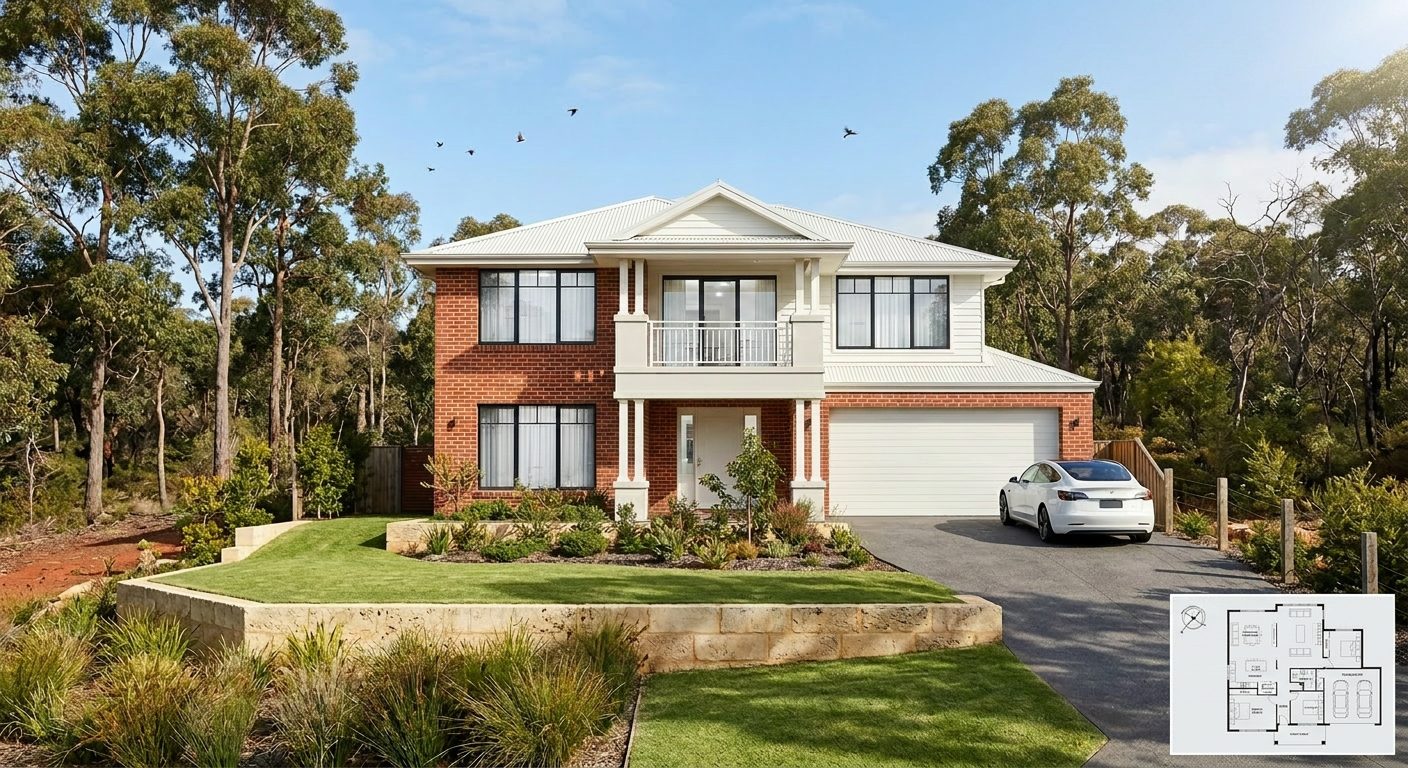
From a Charlestown rehab to a new triple-decker in Dorchester, put a photoreal render in front of your client before the meeting ends. Free to try, no card, $0.97 per render — and credits never expire, so buy ten or a hundred and use them whenever the next project lands.
Start rendering