SSilpuAI Studio+
Render free
Brisbane · two ways in: Render it yourself or Win the project · for builders
AI Rendering · Brisbane, Queensland

See your Queenslander rendered before the first stump goes in.

Export a view from SketchUp, ArchiCAD or Revit and Silpu renders it in photoreal Brisbane light — the house lifted on its stumps, the deep verandah in shade and the corrugated roof reading true beneath a heavy subtropical sky. It's an online tool that renders your own local project, wherever your desk happens to be. From A$1.50 a render, and free to try.

Free to try — no card. Then A$1.50 a render, credits never expire.

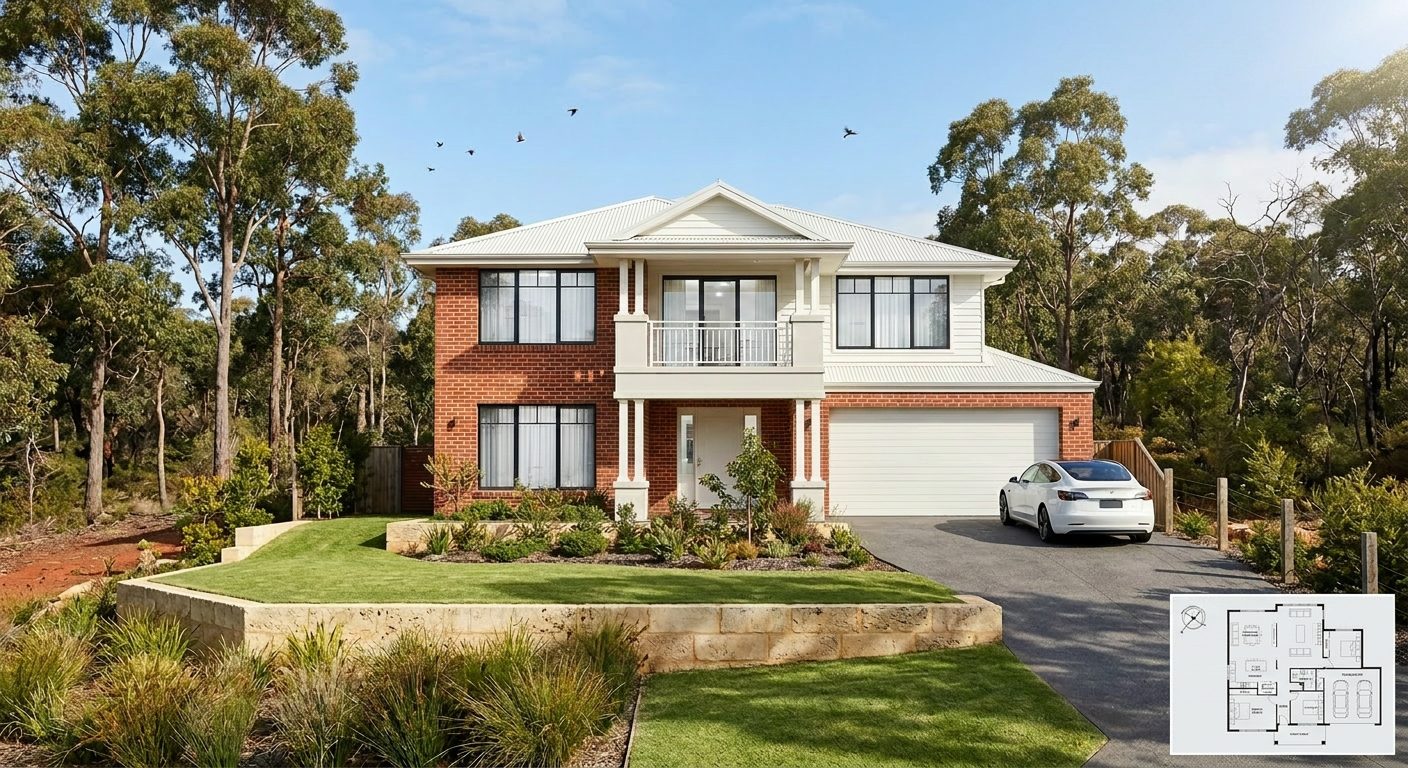
A photoreal SilpuAI Studio+ render of a Brisbane home
Your model → photoreal, exactly as drawn.SILPUAI STUDIO+
Built by a practising designer Works with SketchUp · ArchiCAD · Revit — or any screenshot A$1.50 a render · credits never expire Renders exactly as modelled
Three steps

From your model to a finished render before your coffee's cold.

01

Upload your model

Drag in a model view — or send it straight from the free SketchUp, ArchiCAD or Revit plugin with one click.

02

Pick a look

Photoreal, golden hour, dusk, or a concept style. Set the sun, the time of day, the mood — no scene setup.

03

Generate

A magazine-grade render in seconds. Relight, restyle, add interiors or landscape, and download. Priced per render.

Outsourcing vs. rendering it yourself

What a Brisbane render really costs

Commission a local visualisation studio and a single hero image runs A$200 to A$800, with three to seven days between sending your model and getting the picture back. Silpu — built and run by a practising designer — renders the same Brisbane view for A$1.50 in minutes, so you can try three looks over a coffee and still be well under budget on a single house.

 Outsourcing (the old way)SilpuAI Studio+ YOU
Turnaround3–7 daysSeconds
Cost per imageA$200–A$800A$1.50
RevisionsPaid, another waitInstant, as many as you like
Design accuracyDepends on the briefLocked to your model
Who's in controlSomeone else's queueYou, at your desk in Brisbane

It renders your design — not its imagination.

Silpu renders the design you upload, not the one it imagines. Corrugated tin stays corrugated tin, chamferboard stays chamferboard, VJ-lined walls keep their vertical joints, and your verandah posts, sash windows and stump heights land where you set them out — it won't quietly swap your timber-and-tin Queenslander for a rendered-brick project home or bolt on a deck you never drew. It reads your eave depths, roof pitch and the fall of your sloping site straight off the model. AI can still nudge fine detail, so treat it as a presentation image to check against your drawings — but the character you designed is the character it hands back.

“Render exactly as modelled” isn't a setting. It's the whole point.

Built for Brisbane work

What Brisbane designers & builders render with it.

Queenslander Timber & tin Weatherboard cottage VJ-lined walls Wraparound verandah Corrugated iron roof Hillside deck Character-zone reno
Pricing

Pay for what you render. Nothing else.

A$1.50
per render
Free to try — no card. Just sign in and render.
  • Credits never expire — buy a top-up, use it whenever.
  • Free plugins for SketchUp, ArchiCAD & Revit.
  • Clean, unwatermarked output on paid renders.
  • Relight, restyle, interiors & landscape included.
  • Pro tier for teams and higher volume.
Questions

3D rendering in Brisbane — answered.

How much does 3D rendering cost in Brisbane?

A Brisbane visualisation studio typically charges between A$200 and A$800 per image, with a three to seven day turnaround. Silpu renders the same view for A$1.50, in minutes, and your first renders are free with no card. You keep the full-resolution file to take to clients or council.

Will the render actually match my drawings?

Mostly, yes — Silpu renders the model you upload, so your verandah line, stump heights and roof pitch come through as drawn. But AI can drift, so always check the render against your drawings before you rely on it, especially fine setout like eave depths, batten spacing or window mullions. Treat it as a presentation image, not a certified drawing.

Which programs can I render from?

Any that give you a clean view — export a screenshot from SketchUp, ArchiCAD, Revit, or even a hand sketch or massing model. Silpu works from the image, so there's no plugin to install and no file conversion. Frame your Queenslander front-on or on the oblique and upload it.

Can it handle a character-zone Queenslander?

Yes. Silpu reads timber-and-tin as timber-and-tin — chamferboard, VJ-lined walls, lattice, bullnose verandahs and corrugated roofing all render in character rather than being flattened into brick veneer. That helps when you're presenting a renovation in one of Brisbane's pre-1946 character streets — under the City Plan's traditional building character overlay — and want the new work to sit honestly beside the original before it goes to council.

Do I need to pay or sign up to try it?

No. You can render your first designs free, no card required. After that it's A$1.50 a render, GST included, and credits never expire — buy ten and use them across a year of projects. It's an online tool, so it renders your Brisbane project from wherever you're working.
See your Queenslander in the light it'll live in

Upload a view of your Brisbane design and watch it come up in real subtropical light — the deep verandah in shadow, the tin roof catching the late afternoon, the timber warm against a heavy, humid sky. First renders are free, no card; after that it's A$1.50 each, GST included, and your credits never expire. Render it tonight and take it to your client, or to council, tomorrow.

Start rendering