SSilpuAI Studio+
Render free
New York · two ways in: Render it yourself or Win the project · for builders
AI Rendering · New York, New York

Your Brooklyn brownstone or Midtown tower, rendered photoreal in seconds — not days.

From brownstone stoops and limestone rowhouse facades to cast-iron SoHo lofts, prewar co-op cornices and glass Midtown towers, SilpuAI turns your model into a photoreal render — parlor-floor bay windows, terracotta detailing, wedding-cake setbacks and cold snow-grey winter light and all — for $0.97 per render.

Free to try — no card. Then $0.97 a render, credits never expire.

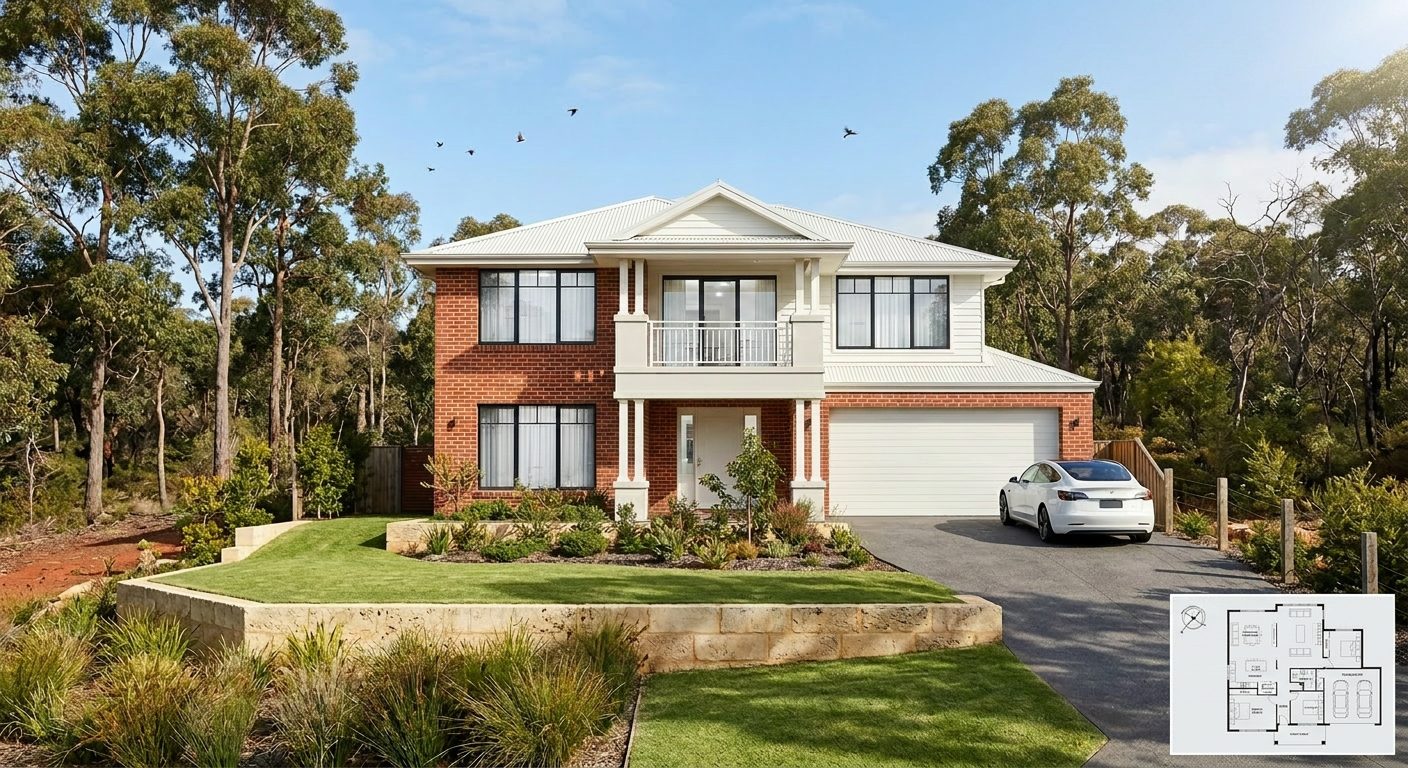
A photoreal SilpuAI Studio+ render of a New York home
Your model → photoreal, exactly as drawn.SILPUAI STUDIO+
Built by a practising designer Works with SketchUp · ArchiCAD · Revit — or any screenshot $0.97 a render · credits never expire Renders exactly as modelled
Three steps

From your model to a finished render before your coffee's cold.

01

Upload your model

Drag in a model view — or send it straight from the free SketchUp, ArchiCAD or Revit plugin with one click.

02

Pick a look

Photoreal, golden hour, dusk, or a concept style. Set the sun, the time of day, the mood — no scene setup.

03

Generate

A magazine-grade render in seconds. Relight, restyle, add interiors or landscape, and download. Priced per render.

Outsourcing vs. rendering it yourself

Keep the studio for the hero shot. Render everything else yourself.

A New York rendering studio still earns its fee for the single money shot — the cover image for a Fifth Avenue pitch or a Landmarks Preservation Commission presentation. But the everyday volume is where the meter runs: concept options, board and client sign-offs, DOB permit sets and StreetEasy listing images. Render that yourself, at your desk in the city, in seconds, for $0.97 per render.

 Outsourcing (the old way)SilpuAI Studio+ YOU
Turnaround3–7 daysSeconds
Cost per image$350–$1500$0.97
RevisionsPaid, another waitInstant, as many as you like
Design accuracyDepends on the briefLocked to your model
Who's in controlSomeone else's queueYou, at your desk in New York

It renders your design — not its imagination.

SilpuAI renders the design you modeled — not the algorithm's idea of it. It holds the geometry and the materials you specified: the brownstone and red-brick facades, the limestone lintels and cornices, the cast-iron storefront, the setback massing squeezed onto a tight urban lot. The result is tuned to how New York actually builds — party walls, zero-lot-line frontages, prewar detailing and modern curtain wall alike — so the render reads true to a local designer, builder or buyer.

“Render exactly as modelled” isn't a setting. It's the whole point.

Built for New York work

What New York designers & builders render with it.

Brooklyn brownstone Pre-war co-op Limestone rowhouse Cast-iron SoHo loft Midtown glass high-rise Federal townhouse Art Deco tower Tenement walk-up Rooftop addition
Pricing

Pay for what you render. Nothing else.

$0.97
per render
Free to try — no card. Just sign in and render.
  • Credits never expire — buy a top-up, use it whenever.
  • Free plugins for SketchUp, ArchiCAD & Revit.
  • Clean, unwatermarked output on paid renders.
  • Relight, restyle, interiors & landscape included.
  • Pro tier for teams and higher volume.
Questions

3D rendering in New York — answered.

How much does 3D rendering cost in New York?

In the New York metro, a rendering studio typically charges $350 to $1,500 for a single photoreal exterior image, and a full package for a brownstone renovation or a high-rise elevation runs well into the thousands. SilpuAI is $0.97 per render — free to try, no card, and your credits never expire.

How accurate is the render to my actual design?

SilpuAI locks onto the geometry and materials in your model — the brownstone stoop, the limestone lintels, the window heads on the parlor floor — and renders the design you actually drew, not an invented one. That said, AI can drift: a roofline or a window head can shift. Always check the render against your drawings before a client sign-off or a permit submission.

How long does a render take?

Seconds. Upload your SketchUp, ArchiCAD or Revit model — or just a screenshot — and the photoreal render comes back in about the time it takes to pour a coffee. Render an option, nudge the massing under the setback, and render again without waiting days for a studio to turn it around.

Which software does it work with?

Anything you already model in. SilpuAI reads SketchUp, ArchiCAD, Revit, Rhino and more — and if all you have is a viewport screenshot, that works too. No new plugin to learn, no export gymnastics.

Do I still need a New York rendering studio?

For the single hero shot on a Landmarks presentation or a Fifth Avenue marketing package, a specialist New York studio is still worth it. For everything else — concept options, co-op board and client sign-offs, DOB permit sets and StreetEasy listing images — you can render it yourself for $0.97 per render and keep the whole cycle in-house.
Render New York at the speed you design it.

Try it free, no card — bring your first brownstone, co-op or tower model and watch it come back photoreal in seconds. After that it's $0.97 per render, and your credits never expire. Render from your desk in the city, whenever the next deadline lands.

Start rendering